简体中文
简体中文 ENGLISH


 All Products
 Home
Home Products
 About
About News
News Download
 Contact
Amoonsky VS500 LED video controller
VS500 for LED Display Control: 4K Input, Multi-Window Layout, and Built-In Sending Output
A live LED display project rarely fails because one feature is missing on paper. It fails when the operator cannot switch sources quickly, the screen ratio does not match the content, or the control chain becomes too complicated on site. Amoonsky VS500 is designed for that practical middle ground: one LED video controller that handles multiple inputs, window layouts, and direct LED sending output.
What VS500 is built to solve
Mixed signal sources for meetings, events, rental LED walls, and stage backgrounds.
Wide or non-standard LED screen ratios that need useful output presets.
Fast on-site operation with black/freeze, mode recall, and front-panel control.
Core hardware role
7-channel LED video controller.
One built-in four-port sending card.
Novastar MSD600-1 or Linsn TS902 sending card option.
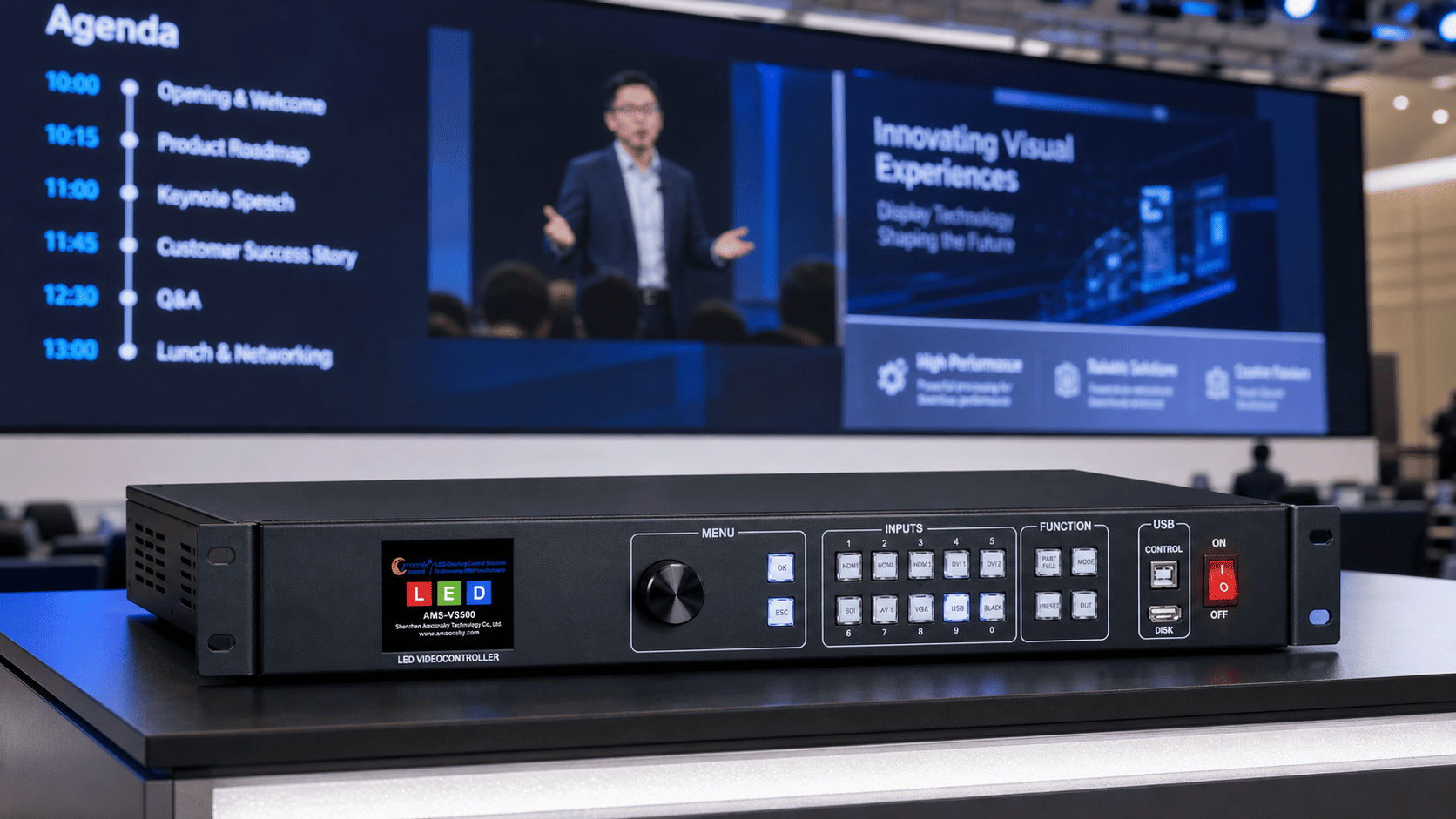
VS500 is best understood as the control point between mixed content sources and the LED wall that the audience actually sees.
Why VS500 is More Than a Simple Switcher
In many projects, a basic switcher can choose one source, but it does not solve LED display control. VS500 sits closer to the real job: it receives common video sources, processes display layout, and sends content toward the LED screen through its built-in sending output.
The standard input set includes 3 HDMI, 1 DVI, 1 VGA, 1 AV, and 1 USB. That makes it useful when a customer has a presentation computer, media player, camera feed, legacy source, and USB backup content in the same job. For projects that need more input flexibility, VS500 also has expansion directions: R for remote-control operation, W for WiFi screen casting, S for SDI input and output, and N for web-based upper-computer control.
Important selection point: expansion letters should be matched to the actual project requirement. They should not be written as if every VS500 configuration includes every expansion by default.
The Built-In Sending Card Changes the System Shape
VS500 includes one built-in four-port sending card, available with Novastar MSD600-1 or Linsn TS902 options. This matters because the device is not only preparing a video signal for another processor. It can become the direct control device that sends content to the LED display receiving-card system through 4 RJ45 Gigabit Ethernet ports.
For buyers comparing an LED controller, LED video controller, or LED display controller, this is the point to understand first. VS500 reduces the number of separate boxes in the control chain for many event and rental LED screen projects.
Presentation, media playback, camera or legacy source.
Switching, layout, scaling direction, black/freeze and presets.
One four-port sending card with 4 RJ45 output.
LCD menu, knob, keys, mode recall and optional control expansion.
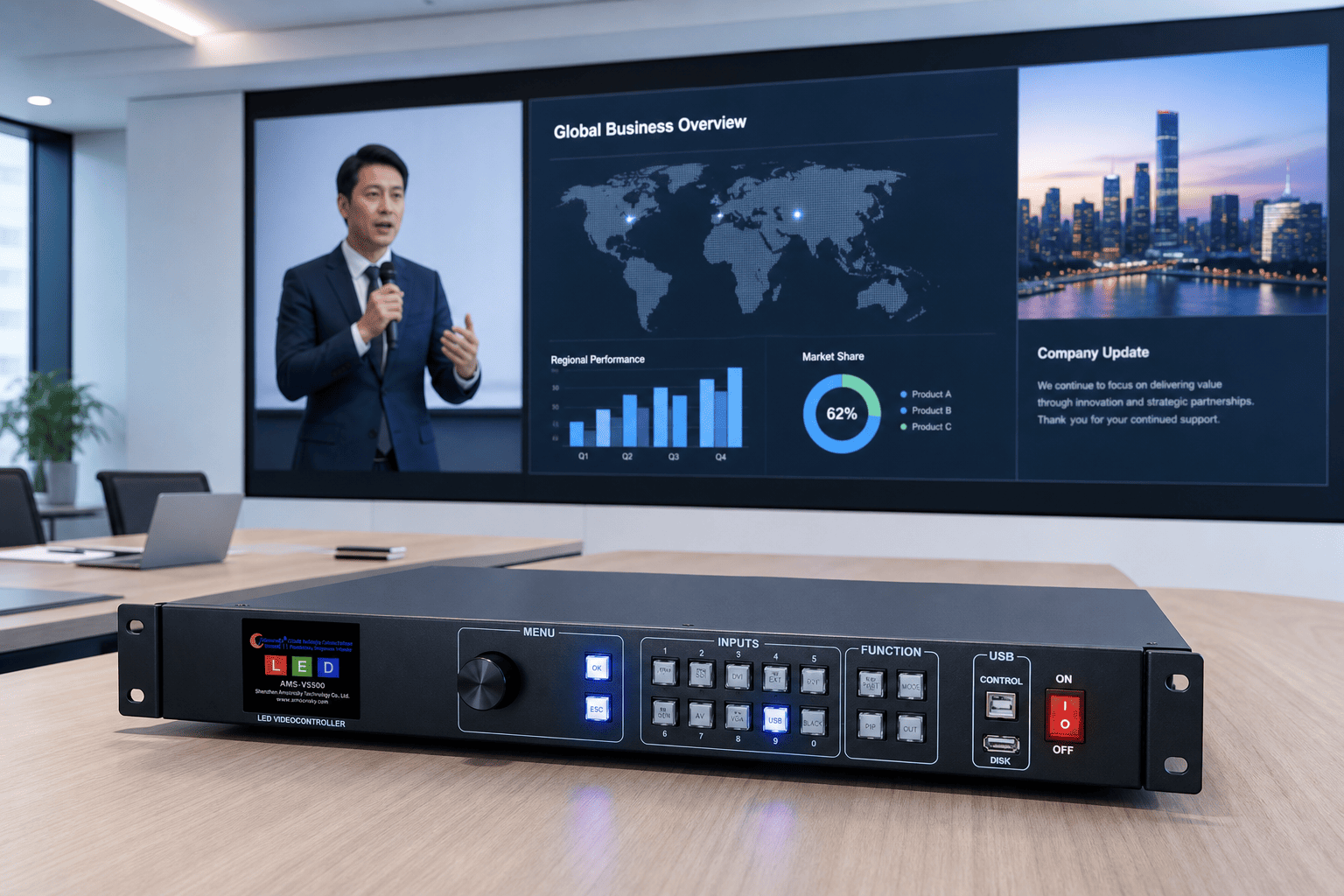
For meeting rooms and corporate events, the controller has to make source switching and screen layout feel predictable for the operator.
Where VS500 Fits Best
VS500 is a strong fit for indoor rental LED screens, stage backgrounds, conference LED walls, showroom display systems, and control desks where one operator needs to manage several content sources without building an oversized processing system.
Its 3840 x 2160 at 30Hz input direction helps when high-resolution source material is involved, while output presets such as 1920 x 1080 at 60Hz and 3840 x 640 at 60Hz are useful for common full-screen and wide-screen LED wall formats. The maximum loading per network port is listed as up to 650,000 pixels per port, so the screen plan should still be checked against the real pixel layout.
| Project situation | Why VS500 helps | What to confirm |
|---|---|---|
| Rental LED wall or event stage screen | Multiple inputs, quick switching, black/freeze, and mode recall support the live operator. | Screen pixel count, receiving system, and whether SDI or WiFi expansion is needed. |
| Conference room or brand presentation wall | USB playback, HDMI inputs, and wide output presets help support common presentation workflows. | Source resolution, display ratio, and daily control method. |
| Wide LED banner or non-standard screen ratio | Custom and preset output resolution directions can support wide layouts such as 3840 x 640. | Exact cabinet layout and final output mapping. |
Useful Features for Real Operation
Operators can prepare useful layouts and recall them during the event instead of rebuilding the display every time.
These controls matter during rehearsal, speaker changes, content mistakes, or stage transitions.
USB content can act as a practical backup or simple playback source when the job does not require a full media server.
For presentation and event work, audio-video timing is part of the viewing experience, not a side detail.
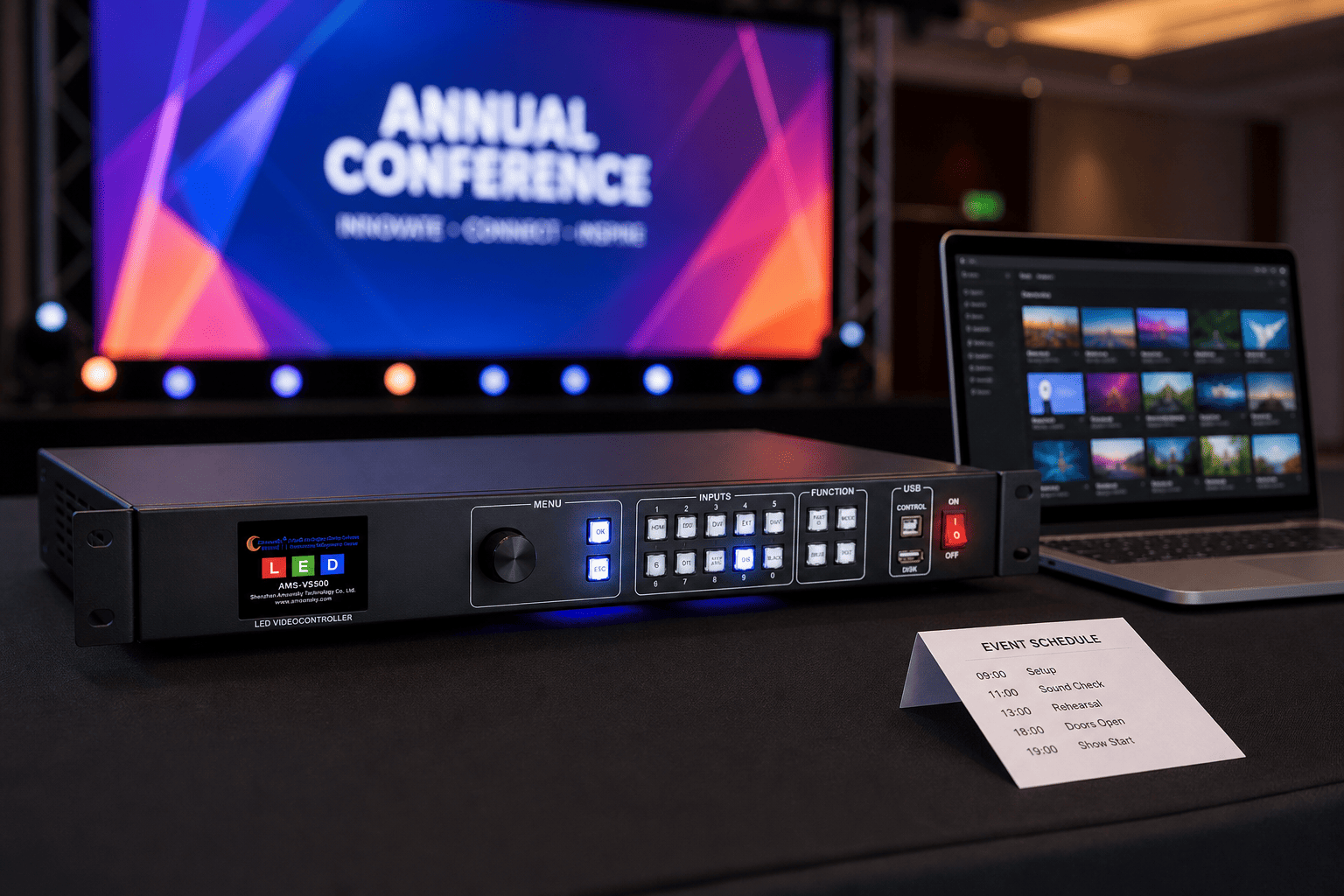
Before the event starts, a practical controller setup should make source checks, layout recall, and backup content easier to manage.
How to Specify VS500 for a Project
Before choosing the exact VS500 configuration, prepare the LED screen pixel size, cabinet layout, receiving-card system, input source list, control preference, and whether the project needs R, W, S, or N expansion. If the screen uses Novastar or Linsn sending workflow, confirm whether MSD600-1 or TS902 is the right sending-card option.
Build the Control Chain Around the Real Screen
VS500 works best when it is selected around the real LED wall: its pixel size, signal sources, operator workflow, and expansion needs. Share those details with Amoonsky, and the VS500 configuration can be matched to the project instead of chosen only by a product name.