简体中文
简体中文 ENGLISH



 All Products
 Home
Home Products
 About
About News
News Download
 Contact
Amoonsky LED control notes
When One LED Wall Has to Behave Like a Control Room
A large LED screen is rarely asked to show just one clean image anymore. In rental halls, conference rooms, launch events, command spaces, and showroom installations, the same canvas may need a live source, a branded background, a data window, and an emergency black screen ready in the same show flow. That is where a multi-window LED video controller earns its place.
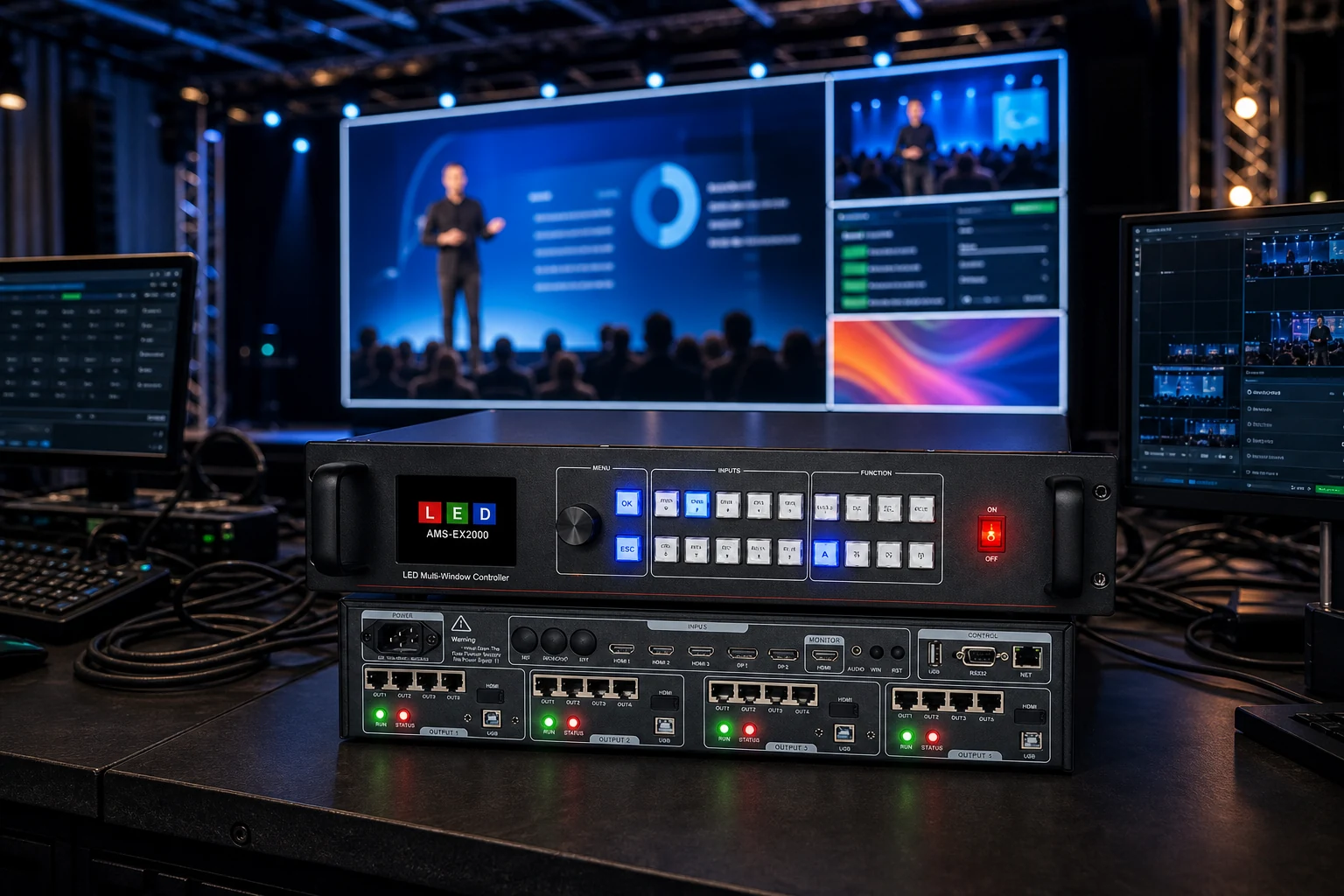
This is not a generic selection guide. It looks at the operating rhythm behind Amoonsky EX Series 4K Multi-window LED Video Controllers: how windows move, how layers help, and why output monitoring and saved modes matter in real projects.
The LED wall is the last thing people blame, but the first thing they see
When a presentation cuts late, a sponsor logo covers a camera feed, or a vertical banner appears one row too tall, the audience does not think about signal routing. They look at the LED wall and assume the wall is wrong.
In practice, many visible mistakes begin earlier: the source format is not expected, the window is scaled badly, the output resolution is not matched to the screen design, or the operator has no fast way to freeze, black out, monitor, and recall a known layout. A processor or controller is not only a box between source and screen. In a live LED system, it is the small table where disorder becomes a planned picture.
Amoonsky EX Series controllers are built around that job: 4K-class input support, multiple windows, two layers, custom output resolution, output monitoring, and model sizes that scale from 4 to 12 to 16 RJ45 outputs.
Think in windows before thinking in pixels
A single full-screen source is easy. The more interesting work starts when the LED canvas must carry several pieces of content at once: a main presentation, a live camera image, a countdown, a sponsor frame, or a secondary information panel.
The Amoonsky EX Series is positioned as a 4K Multi-window LED Video Controller. Across the EX400, EX1200, and EX2000 briefs, the verified working idea is consistent: 2 layers, up to 4 windows, seamless switching, arbitrary window scaling or roaming wording, image mirror and rotation, and practical show commands such as one-key black and freeze.
That turns the article's real question away from "which controller should I buy?" and toward something sharper: what kind of screen behavior does the project need to rehearse?
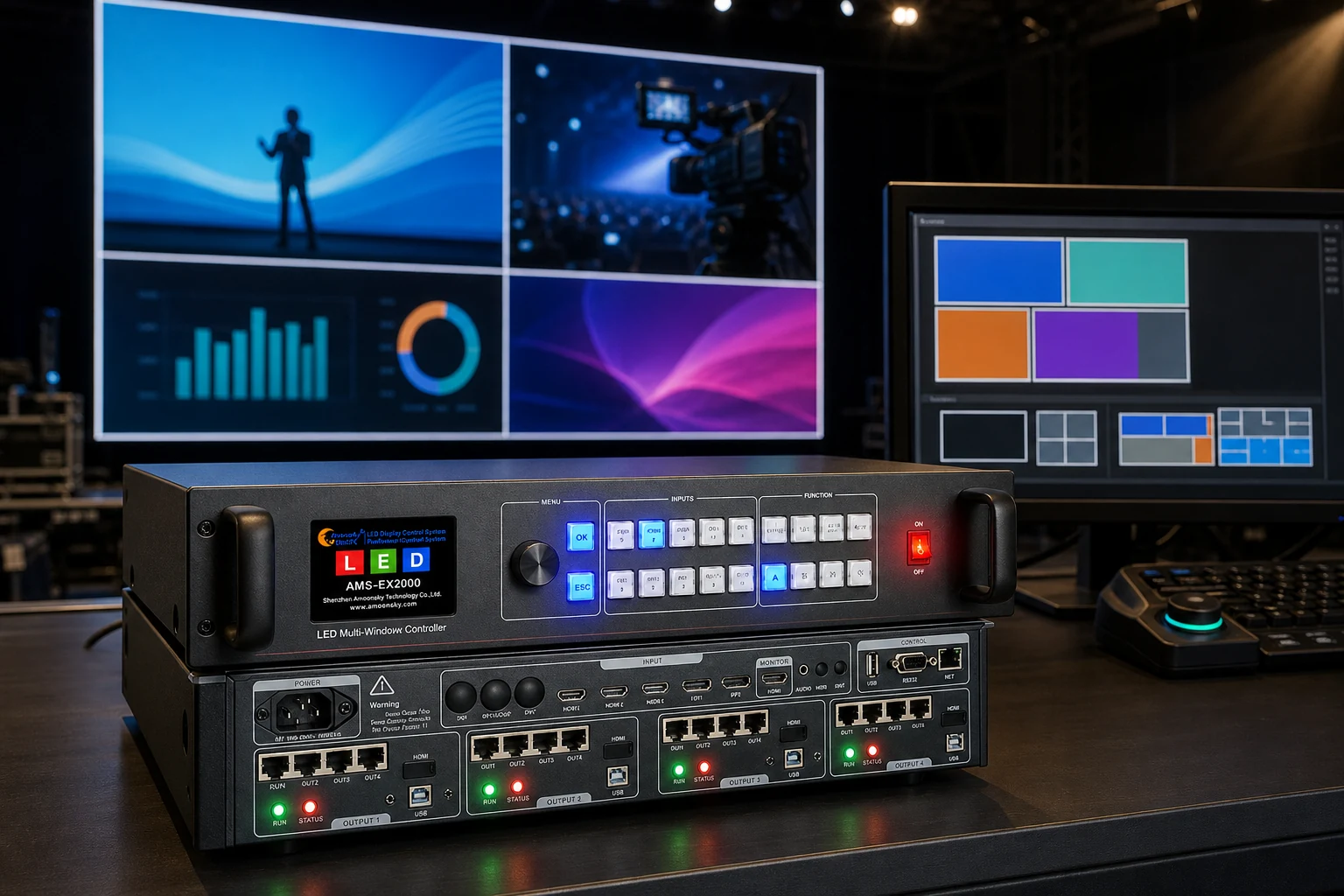
A controller can make the show feel calmer
The best control system is not the one that looks busiest. It is the one that gives the operator fewer ways to panic. Seamless switching helps the visible canvas change without rough cuts. Freeze gives time when a source is misbehaving. One-key black gives the team a clean fallback. Output monitoring lets the operator check the result instead of guessing from the source side.
For installations that repeat similar programs, saved and recalled modes are more than convenience. The EX Series briefs verify 10 mode save and recall, timed loading scenarios, and timed LED screen on/off. In plain language: the same wall can return to rehearsed layouts instead of being rebuilt from memory every time.
Use testing patterns, output monitoring, and custom output resolution to confirm that the wall behaves like the design, not merely like the incoming source.
Use seamless switching, freeze, black screen, window movement, and layer control to keep visible changes deliberate.
Save reliable modes so recurring scenes, meetings, or rental programs can start from a known state.
The EX Series scales by output load without changing the operating story
The useful difference between EX models is not a poetic one. It is a project-size difference. The EX400 brief verifies 4 x RJ45 Gigabit Ethernet outputs. The EX1200 brief verifies 12 x RJ45 outputs. The EX2000 brief verifies 16 x RJ45 outputs. All three sit in the same family direction: multi-window LED control with 3 HDMI and 2 DP inputs, extension variants for SDI, USB, or WiFi depending on model configuration, and the same broad show-control logic.
That means the article can be honest: do not treat the largest controller as automatically "better" for every wall. Treat it as a higher-output member of the same working method. A small indoor screen may need the same window discipline as a larger stage wall; the difference is how much output capacity and project wiring the installation requires.
Start with the canvas: full width, vertical height, and whether the screen needs one image or several simultaneous windows.
Then look at the source mix: HDMI and DP are part of the verified input frame; SDI, USB, and WiFi are extension paths, not assumptions for every model.
Finally check output scale: EX400, EX1200, and EX2000 step up by RJ45 output count, so project size should decide the family member.
Vertical walls and odd canvases need a processor with patience
LED walls are no longer always a neat 16:9 rectangle. Retail columns, stage strips, portrait posters, and wide ribbon screens all ask the controller to respect a canvas that does not behave like a normal monitor.
The EX Series briefs include custom output resolution, image rotation, mirror, and output-side examples for unusual wide or tall layouts. The important writing boundary is that these examples should not be inflated into unsupported promises. The stronger point is simpler: a controller for LED work must let the team shape output around the physical wall, not force the wall to imitate an office display.
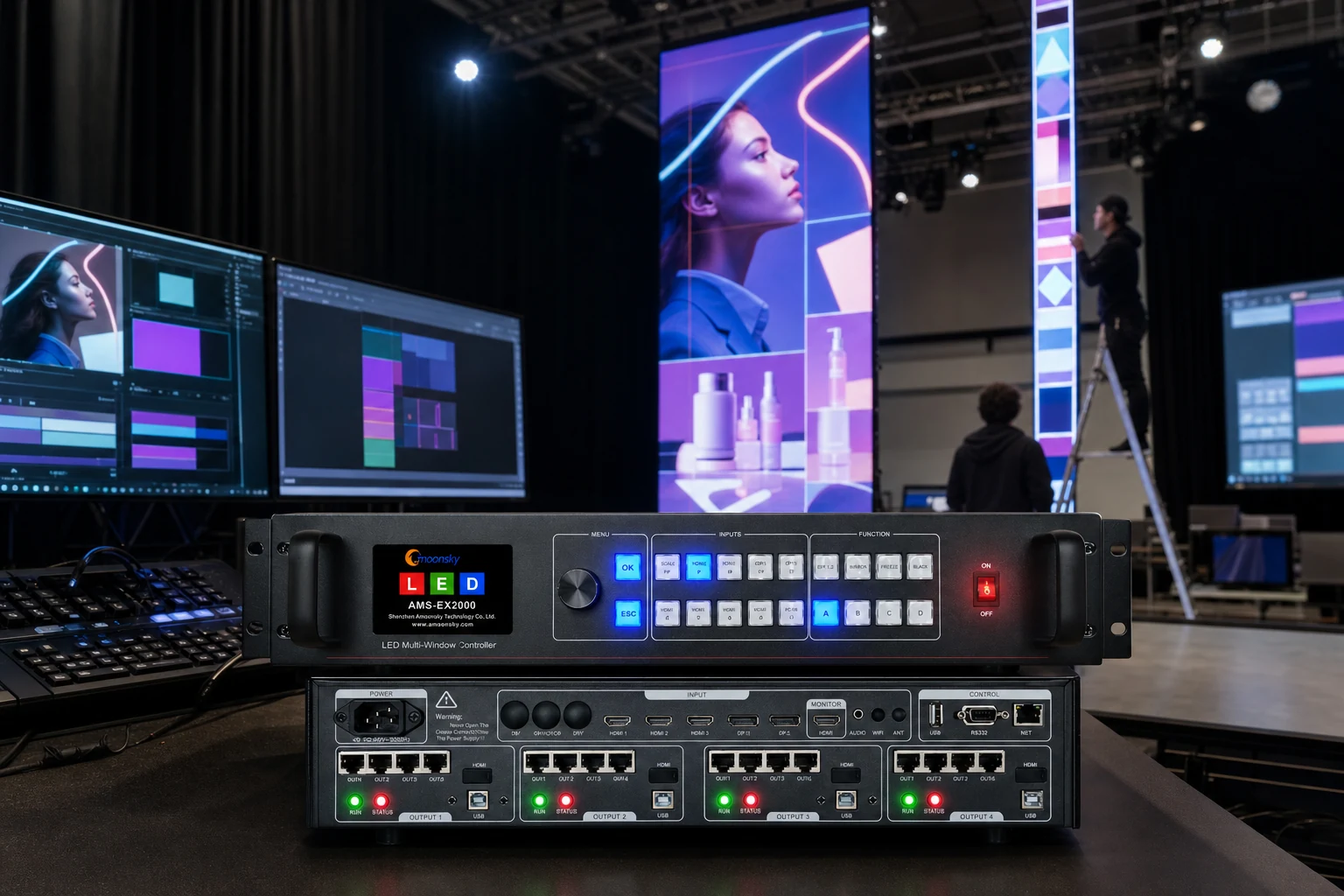
Where Amoonsky EX Series fits
Use the EX Series conversation when the project is about live LED wall behavior: multiple sources, layered picture control, window movement, output monitoring, saved modes, and screen formats that need more care than a simple full-screen feed.
Use a different product conversation when the project is only about signal distribution, long-distance extension, basic format conversion, or a single-purpose sending card. The strength of a multi-window LED video controller is not that it does everything in the system. It is that it gives the screen operator a controlled place to compose the visible result.
For project planning, Amoonsky can map the LED screen size, source list, window behavior, and RJ45 output requirement to the proper EX Series controller level.
Plan the wall from the operator's chair
If your LED wall needs multiple windows, live source switching, portrait or ribbon-style output, saved scene modes, and monitoring before the screen goes public, start the controller discussion from the show flow. Amoonsky EX Series controllers are built for that practical middle ground between incoming sources and the final LED canvas.
Discuss an EX Series LED Control Project